Introducing the Theme-Log aka my Theme-Museum
| 2 min read
Over the years I am running this blog (on whatever platform) I have not only spent a stupid amount of time importing/moving posts, but also tweaking the themes. This went from browsing and shopping for themes, as well as tweaking the CSS of the theme and or modifying the code of a theme.
You know, the theme "just has to be the way I want".
During the last move I ran again1 into plenty of posts with screenshots of whatever theme/color-scheme/design/platform I was using at the time, which brought back memories from that period of the life of this blog.
I though that I should do something about that.
Some of theme-screenshots are in some posts here on the blog, and some others I found on my hard-drive after some digging. I didn't stop there, and at some point I opened the curiosity door and strolled around on the Wayback Machine and took screenshots of older themes that I had been using.
The latter had been a little tedious, but it was worth it. I might do another search at some point.
Finally I put all this together and set up the /themelog, or theme-museum, where I listed all screenshots of my themes that I could find. Theme-museum... you get the idea.
At the moment I am, for the first time in years I guess, 100% satisfied with the blog, the blogging platform/software and my theme. I find this a little hard to believe myself and for prosperity here are the screenshots for the current theme (naturally they are alread in the /themelog:
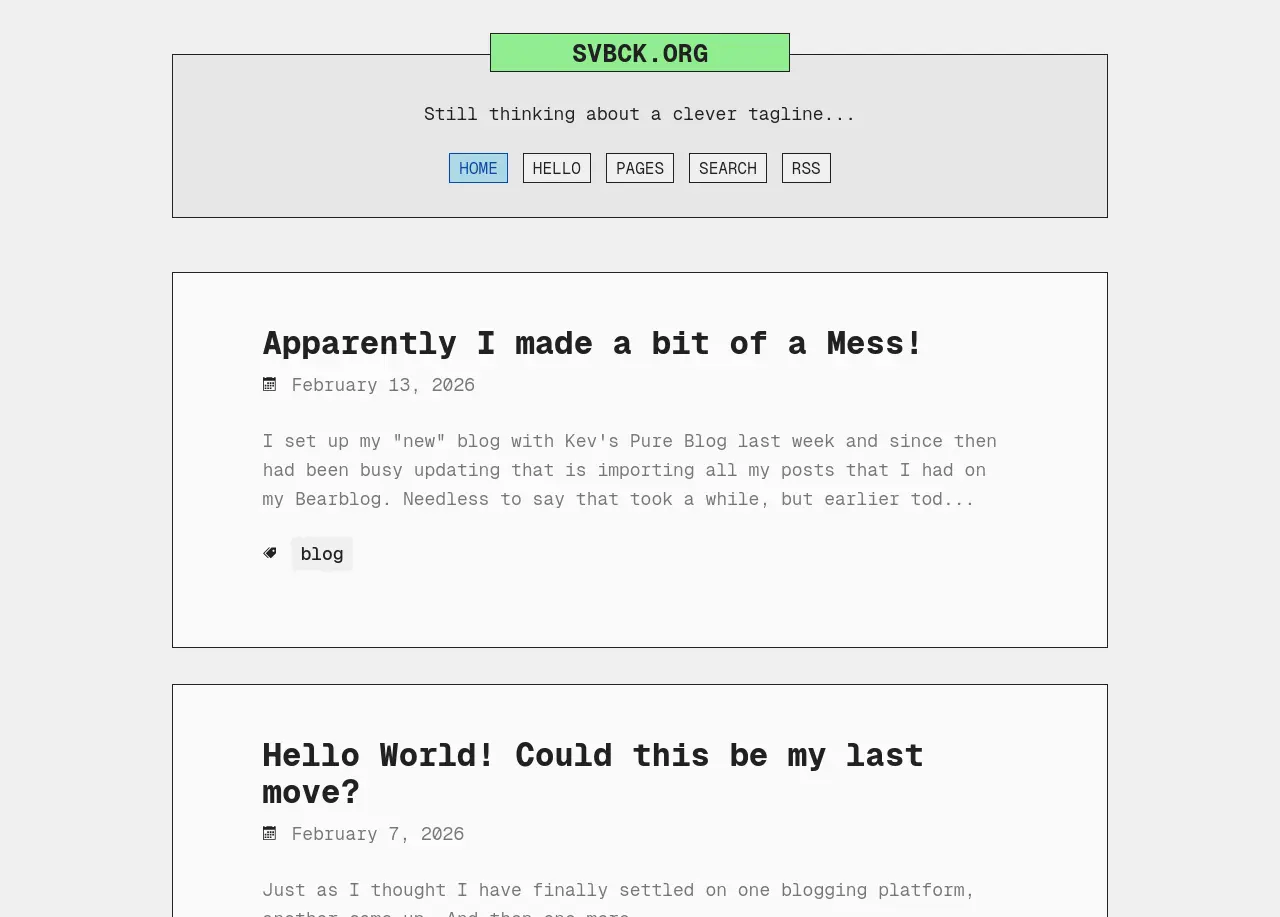
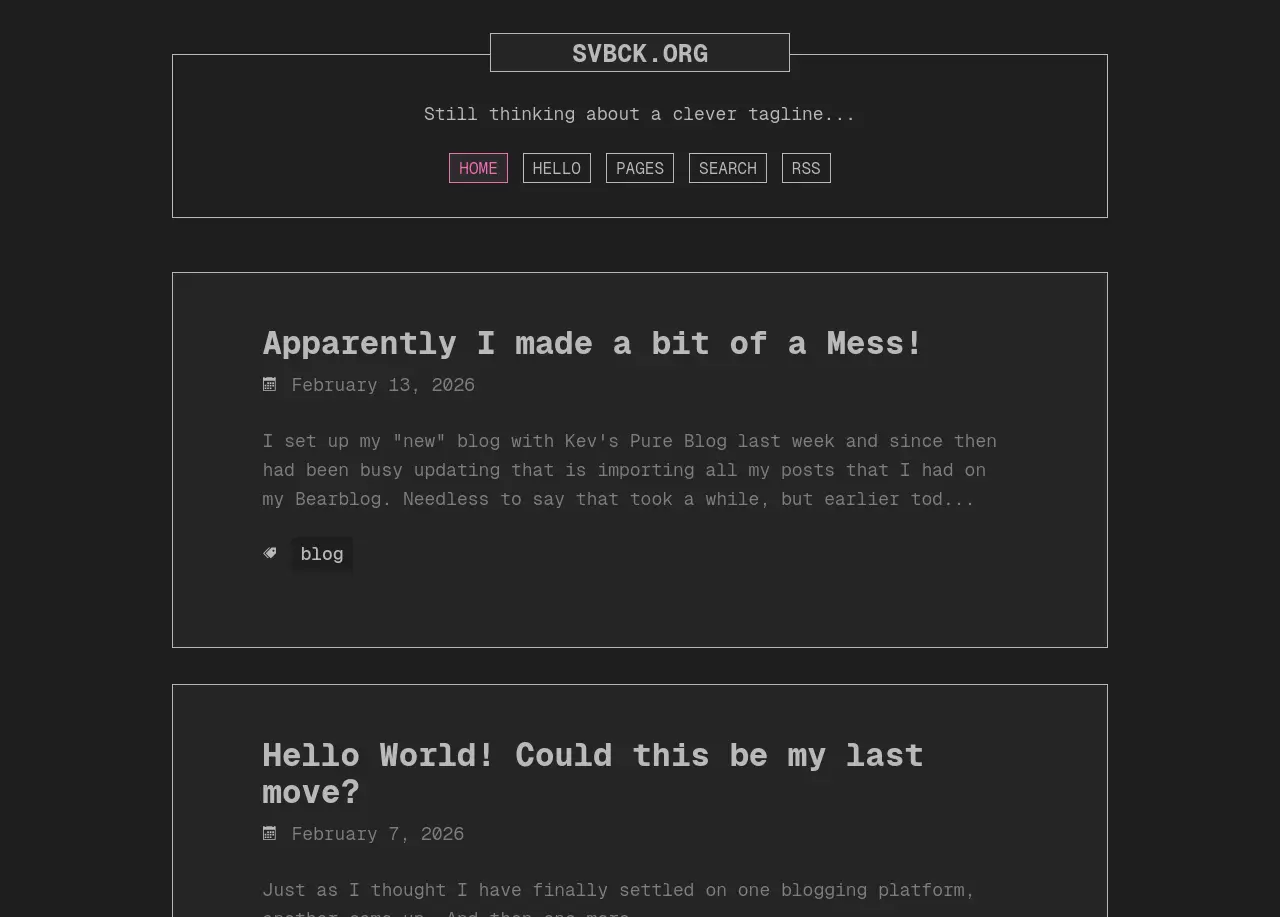
Of the two variants I definitely prefer the light theme. I will still have to add some color to the dark one.
-
After all, this had been the third time in about 6 months. ↩